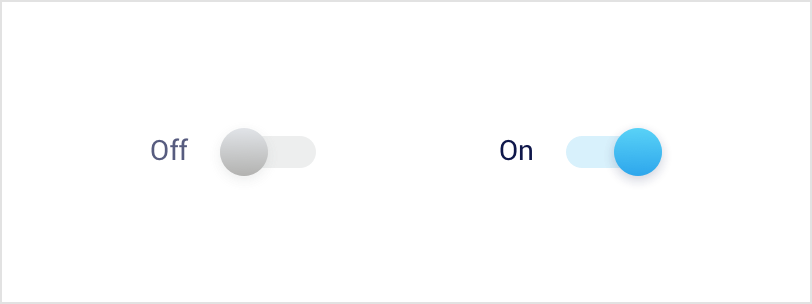
Switch
Switch design changed.
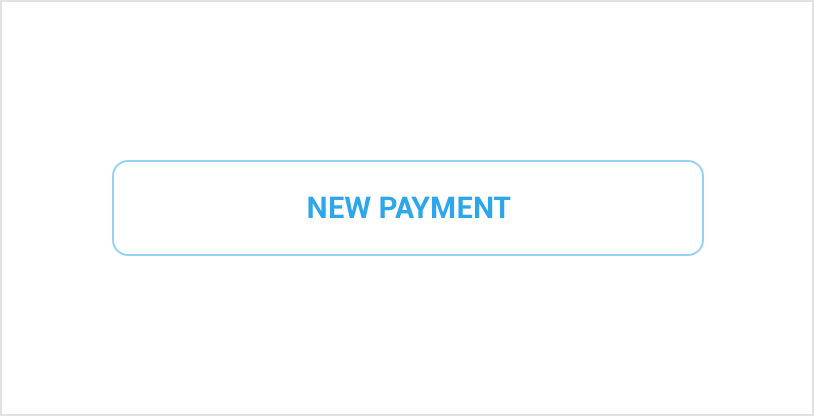
Uppercase text is used in following buttons.
H48 Stroke secondary
Min. width — 144px
Min. padding — 16px
Min. padding — 16px
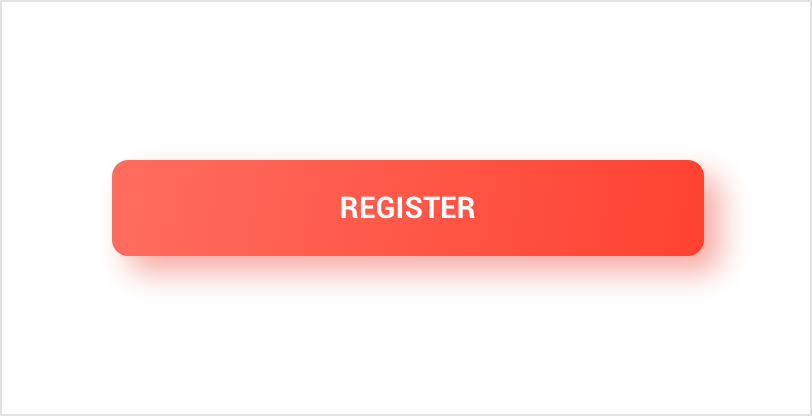
H48 Filled primary
Min. width — 144px
Min. padding — 16px
Min. padding — 16px
Page title
Typography
Roboto font family
is used for all text elements.
Download Roboto font family


Aa
Roboto Bold
Aa
Roboto Regular
Aa
Roboto Light
Pixel convertion to dp units
In some cases, you will need to express dimensions in dp and then convert them to pixels. The conversion of dp
units to screen pixels is simple:
px = dp * (dpi / 160)
Configuration qualifiers for different pixel densities
To provide good graphical qualities on devices with different pixel densities, you should provide multiple
versions of each bitmap in your app—one for each density bucket, at a corresponding resolution. Otherwise,
Android must scale your bitmap so it occupies the same visible space on each screen, resulting in scaling
artifacts such as blurring.
• 36x36 (0.75x) for low-density (ldpi)
• 48x48 (1.0x baseline) for medium-density (mdpi)
• 72x72 (1.5x) for high-density (hdpi)
• 96x96 (2.0x) for extra-high-density (xhdpi)
• 144x144 (3.0x) for extra-extra-high-density (xxhdpi)
• 192x192 (4.0x) for extra-extra-extra-high-density (xxxhdpi)
• 48x48 (1.0x baseline) for medium-density (mdpi)
• 72x72 (1.5x) for high-density (hdpi)
• 96x96 (2.0x) for extra-high-density (xhdpi)
• 144x144 (3.0x) for extra-extra-high-density (xxhdpi)
• 192x192 (4.0x) for extra-extra-extra-high-density (xxxhdpi)
To create alternative bitmap drawables for different densities, you should follow the 3:4:6:8:12:16 scaling
ratio between the six primary densities. For example, if you have a bitmap drawable that's 48x48 pixels
for medium-density screens, all the different sizes should be:
Resources for medium-density (mdpi) screens (~160dpi). (This is the baseline density.)
mdpi
Resources for high-density (hdpi) screens (~240dpi).
hdpi
Resources for extra-high-density (xhdpi) screens (~320dpi).
xhdpi
Resources for extra-extra-high-density (xxhdpi) screens (~480dpi).
xxhdpi
Resources for extra-extra-extra-high-density (xxxhdpi) uses (~640dpi).
xxxhdpi
Resources for low-density (ldpi) screens (~120dpi).
ldpi
Description
Density qualifier
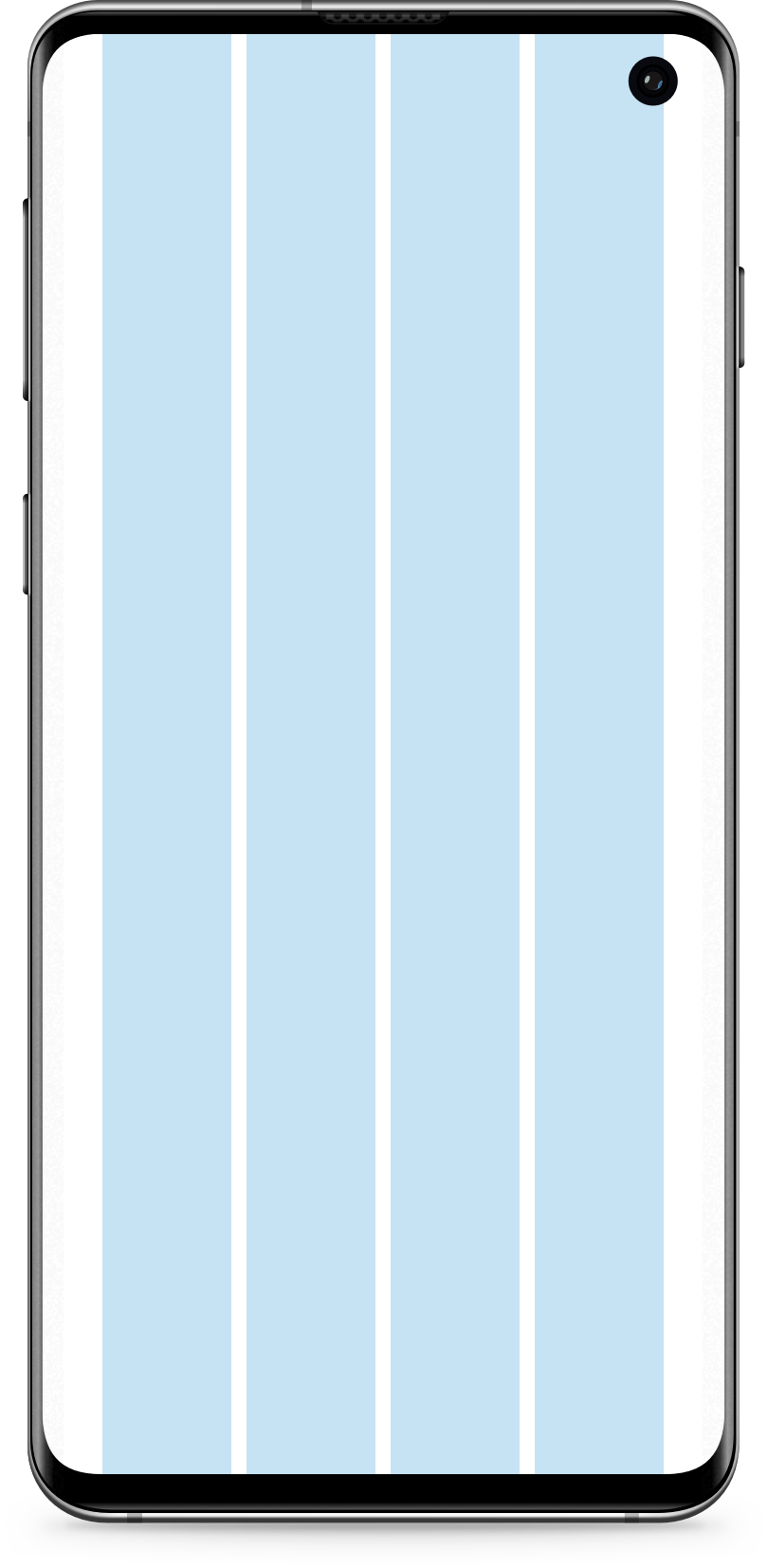
Screens size and grid
For Android designs screen size is 360x760 px.
Screen size(px)
Grid value(px)
Nr of Columns
Size (%)
Column size
Gutter
Margin
360
296
4
23.08%
68px
8px
32
320 (min)
256 (min)
4
22.66%
58px
8px
32
768 (max)
704 (max)
4
24.15%
170px
8px
32